Once an email is sent from our platform, we can track its progress. In most cases, we can confirm the email has successfully reached the recipient’s server - thats not a users local mail box.
After a sent mail is sewnt to the recipients server:
The delivery is out of our hands.
The recipient's mail server determines if the email is delivered to the individual user’s inbox or blocked entirely.
Strict corporate firewalls (especially at tech or AI companies) often block automated emails before they even reach the "Junk" folder.
The recipient needs to contact their local IT department. They should ask IT to check their mail logs for emails coming from EventHub to see if they were quarantined at the server level.
To increase the "trust" level of your emails and ensure they pass through strict firewalls for all your clients, you should update your DNS (Domain Name System) records.
Action: Add an SPF/DKIM/DMARC record to your domain settings. This tells receiving servers that our platform is authorized to send mail on your behalf, significantly reducing the chance of being marked as spam.
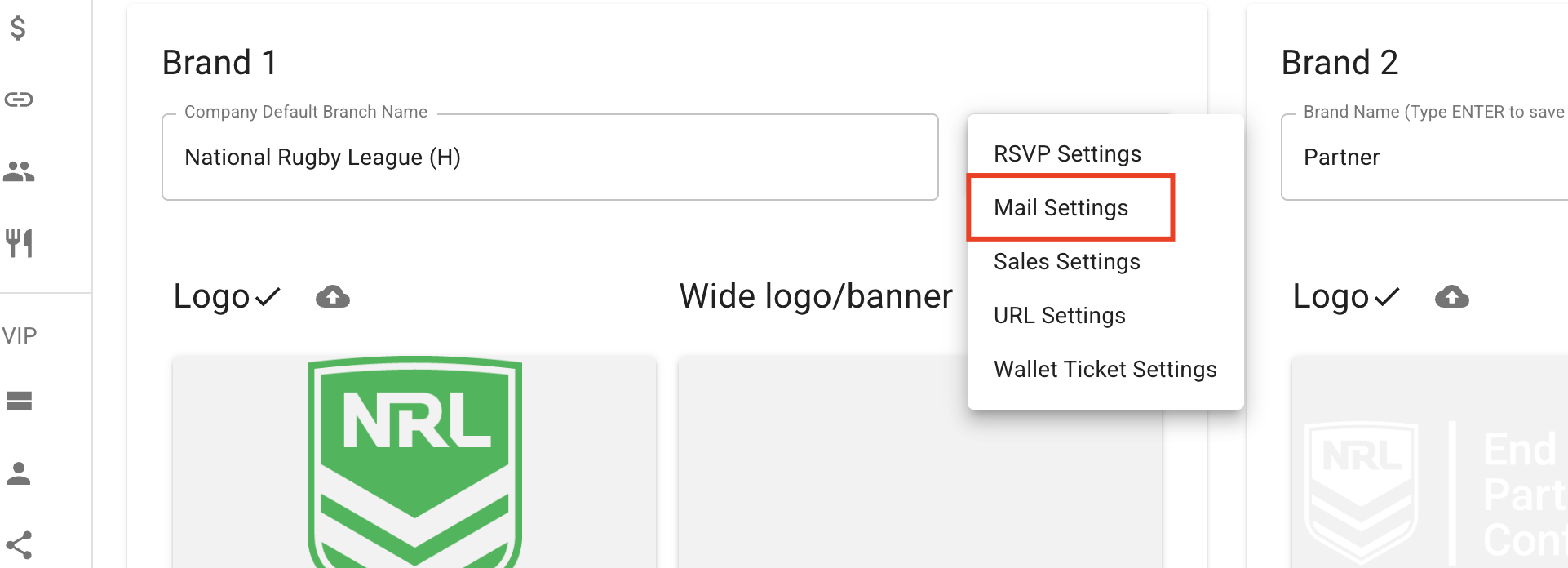
Eventchain mail domain system provides each record here.- by brand