MAILGUN DOMAIN SETUP GUIDE
I. FROM CUSTOMER SIDE
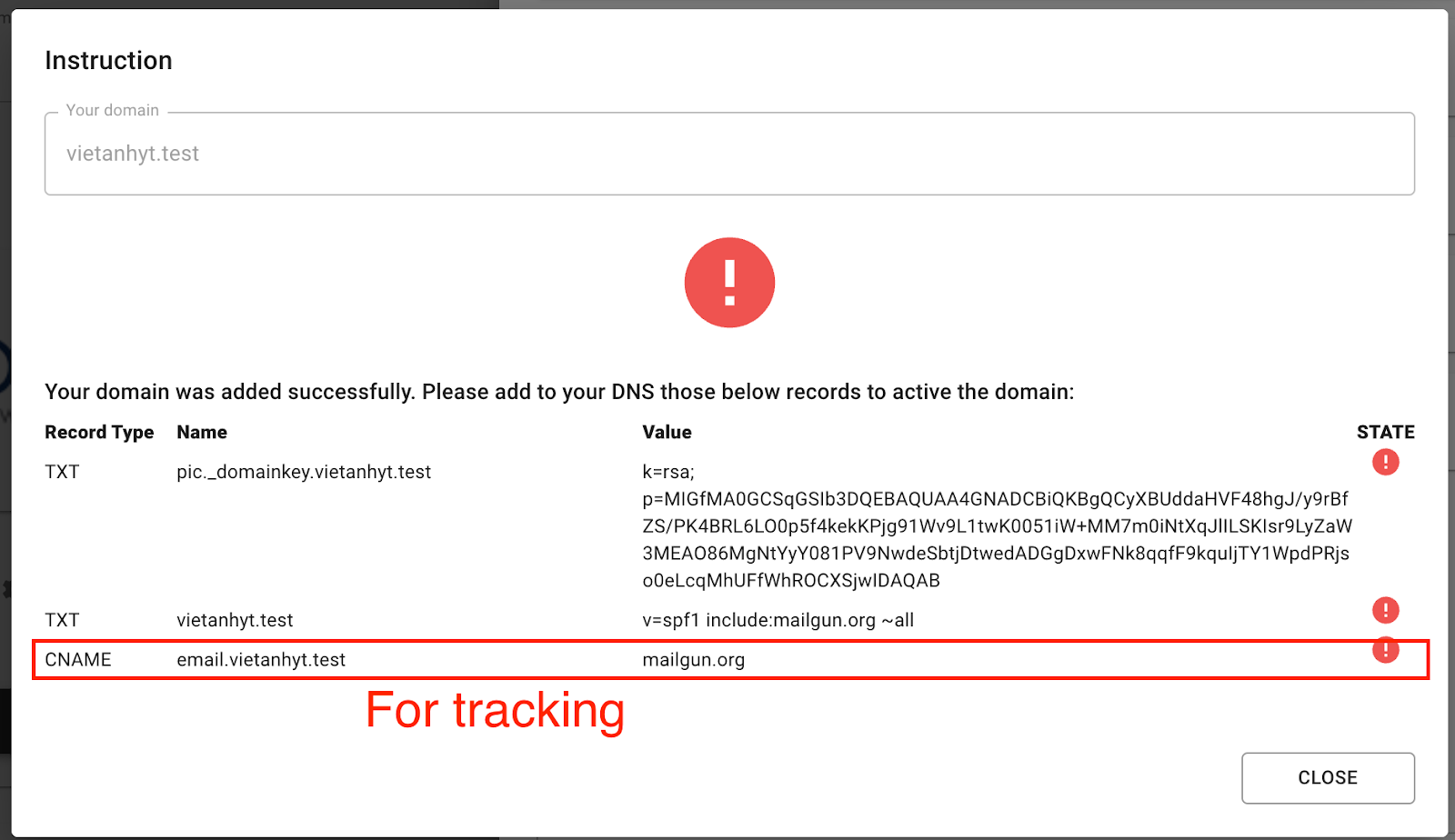
Verify domain by adding DNS records to their domain management:
2 TXT records to verify domain owner and DKIM
1 CNAME record to add Tracking (able to capture: delivered/opened/bounced/unsubscribed status) - MANDATORY for Tracking
Eg:
II. FROM EH SIDE
Do these below things on MailGun
Note:
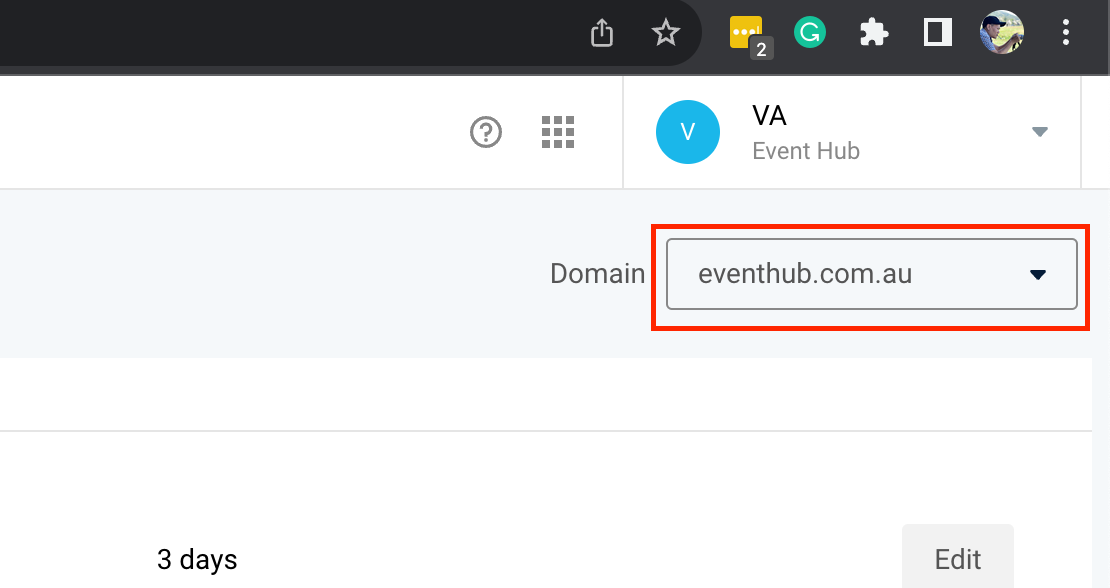
Please make sure that you are on the right domain on every config
Add following:
Delivered Messages: https://tz3e0ep5v5.execute-api.ap-southeast-2.amazonaws.com/production/update_email_events
Opened: https://tz3e0ep5v5.execute-api.ap-southeast-2.amazonaws.com/production/update_email_events
Permanent Failure: (Bounced) https://cpdmdnxwll.execute-api.ap-southeast-2.amazonaws.com/production/send_failed_email_notification
Unsubscribes URL: EH tech team to provide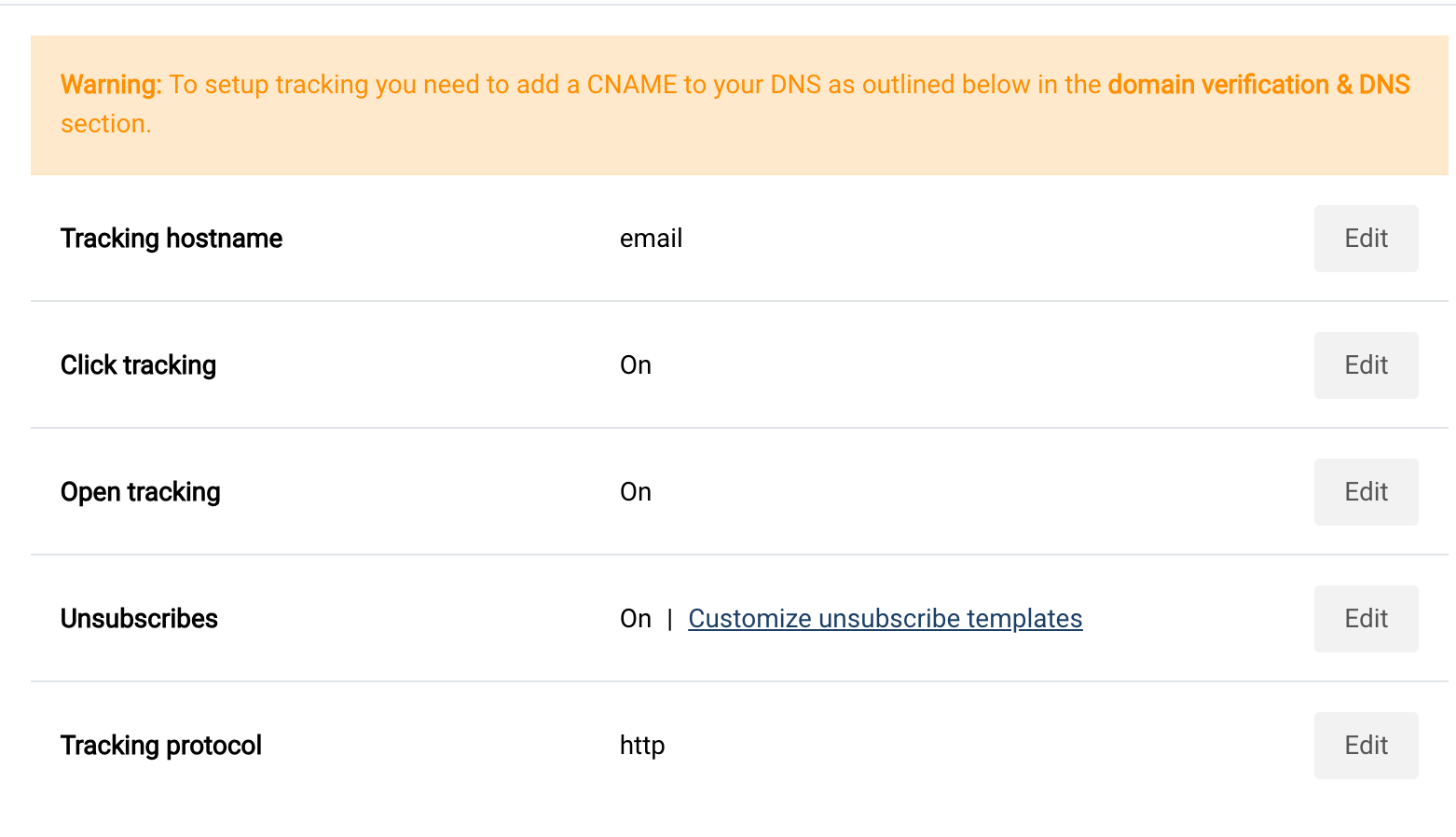
Turn on Click tracking
Turn on Open tracking
Turn on Unsubscribes (click Edit)
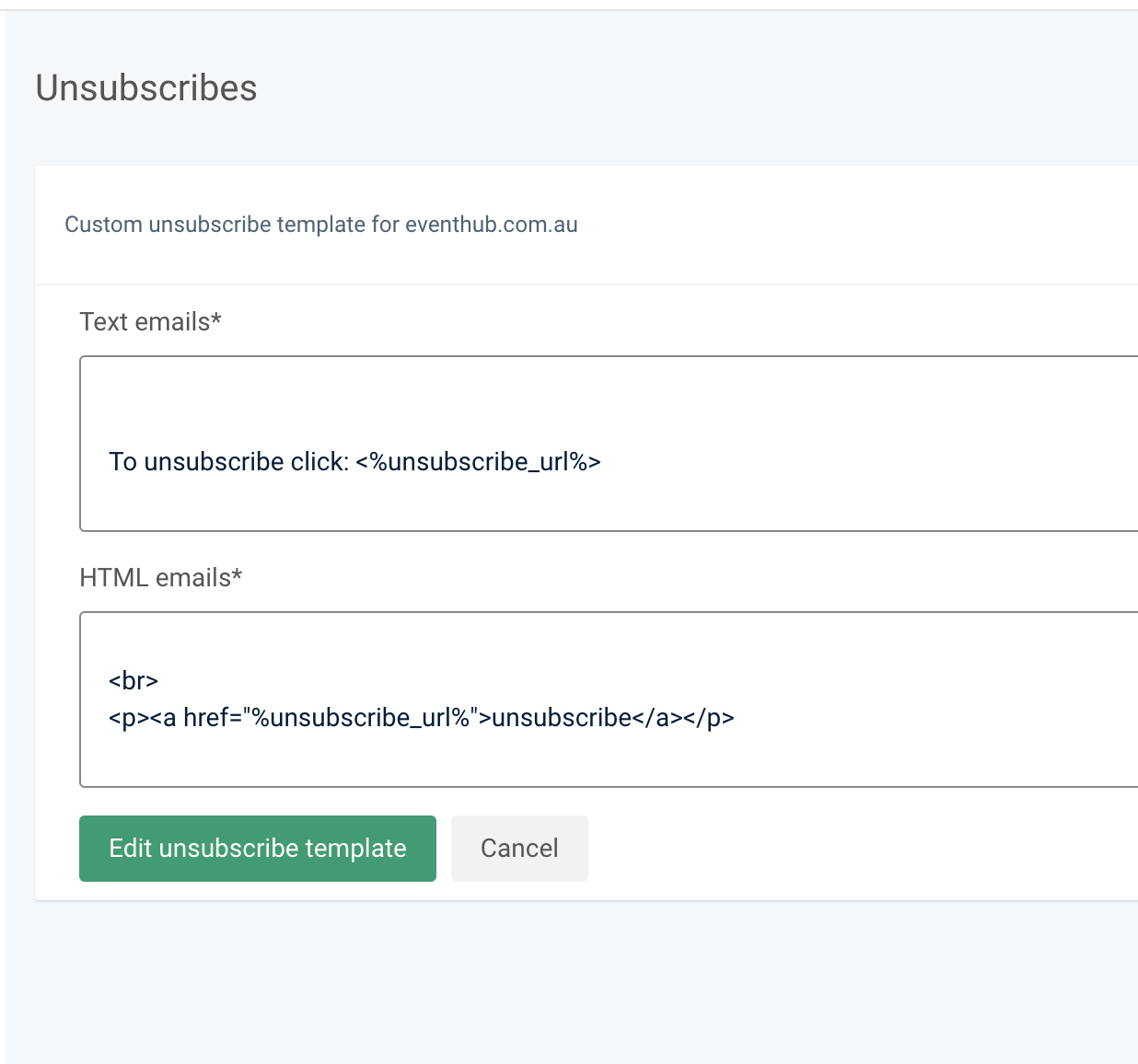
Customize unsubscribe templates: add:
<br>
<p><a href="%unsubscribe_url%">unsubscribe</a></p>
To the HTML emails text area: