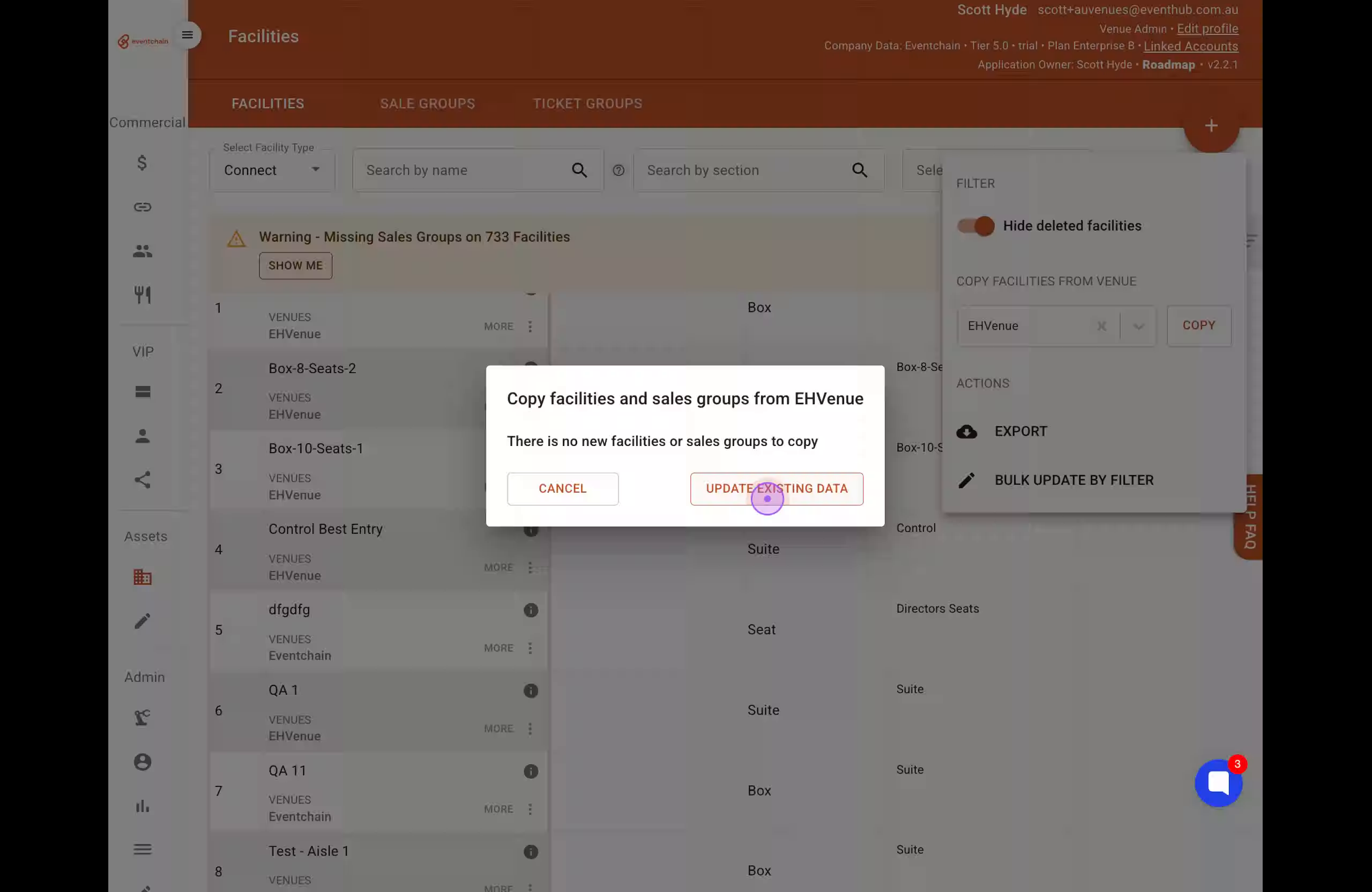
Use this feature to copy facilities and sales groups from an existing venue to your current venue. This is helpful when setting up a new venue or synchronizing configurations between venues.
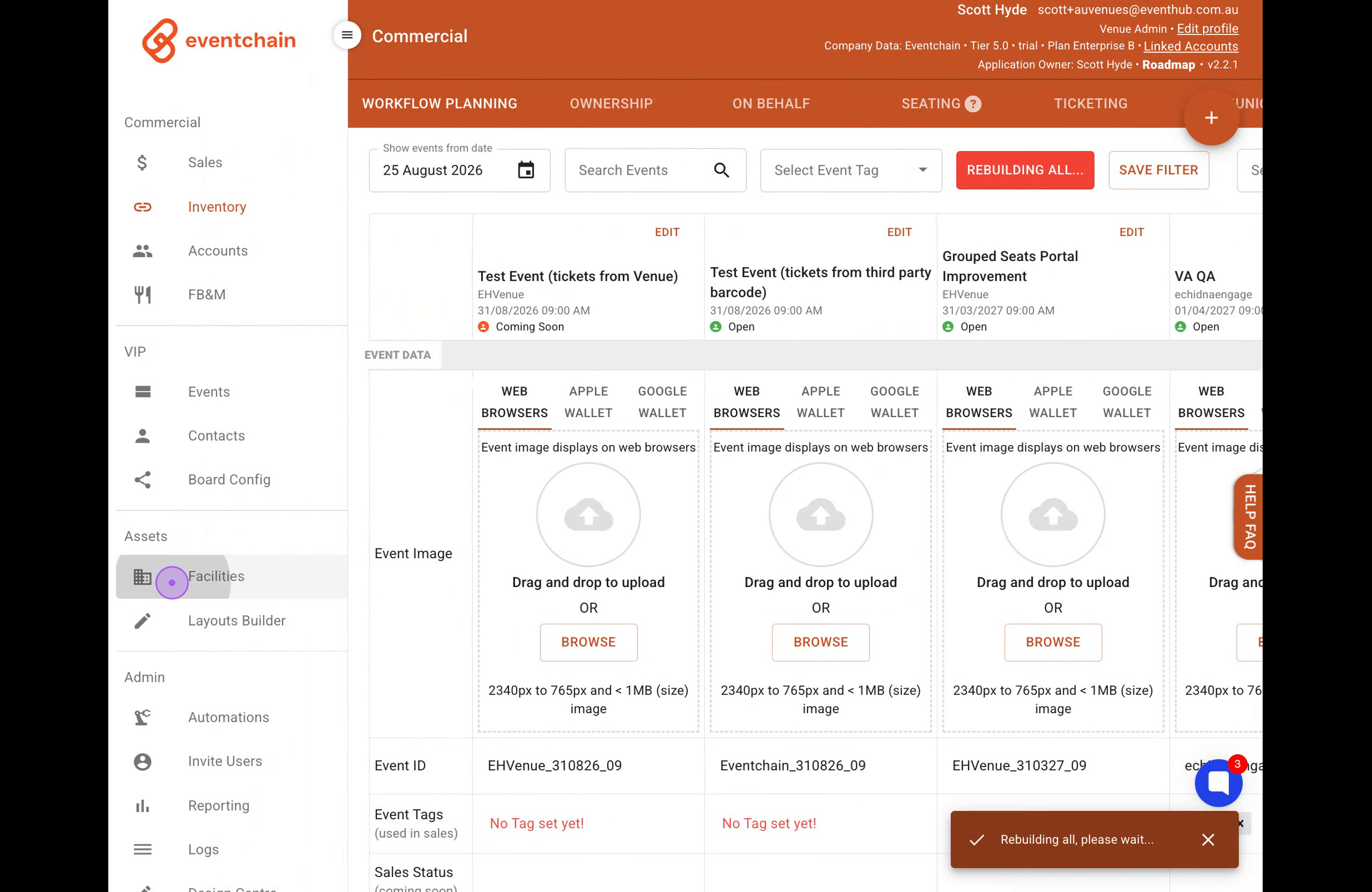
Click on Facilities in the left sidebar under the Assets section to access the facility management interface.
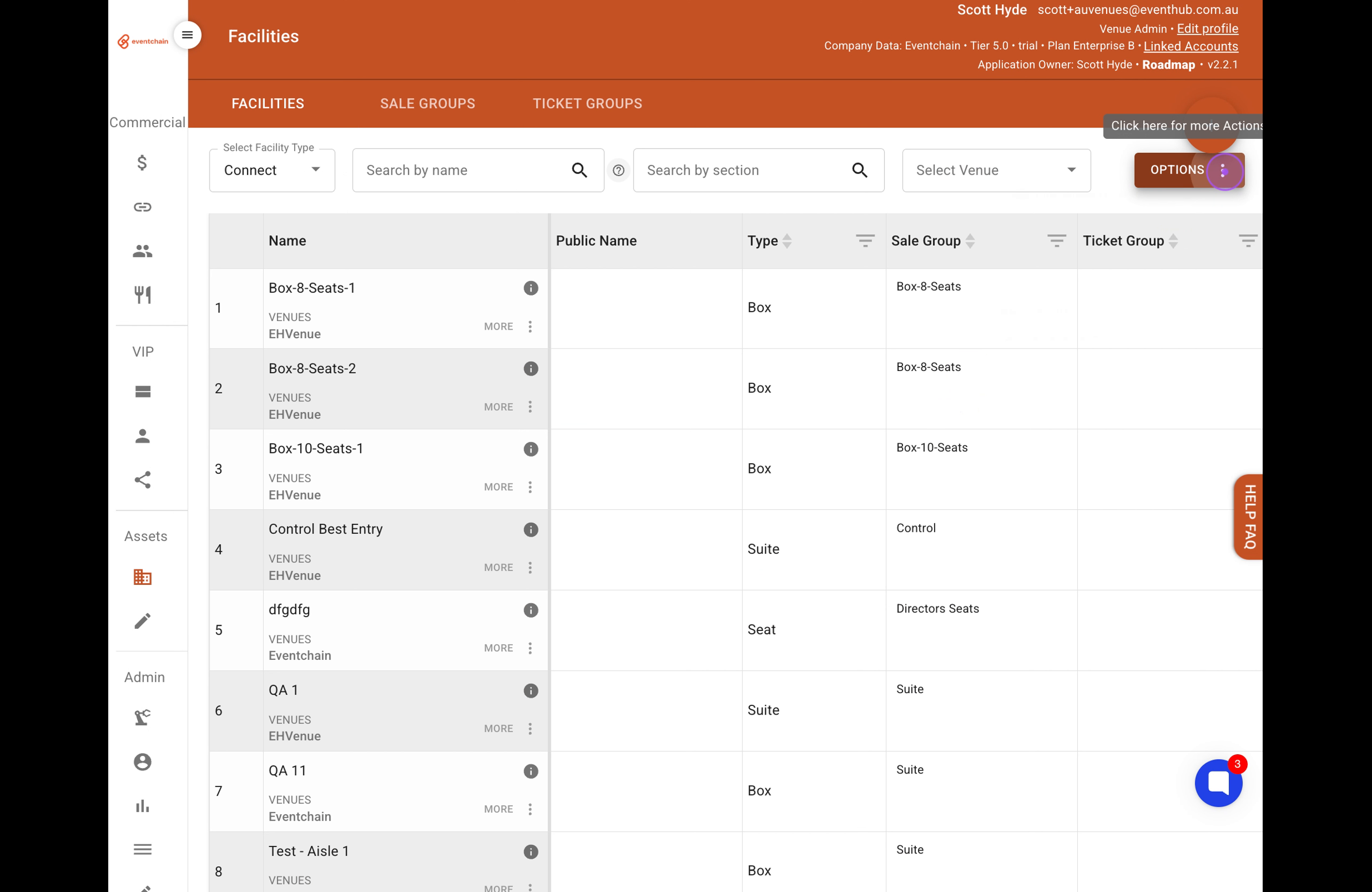
Click the OPTIONS button (three vertical dots) in the top right corner to reveal the copy and export options.
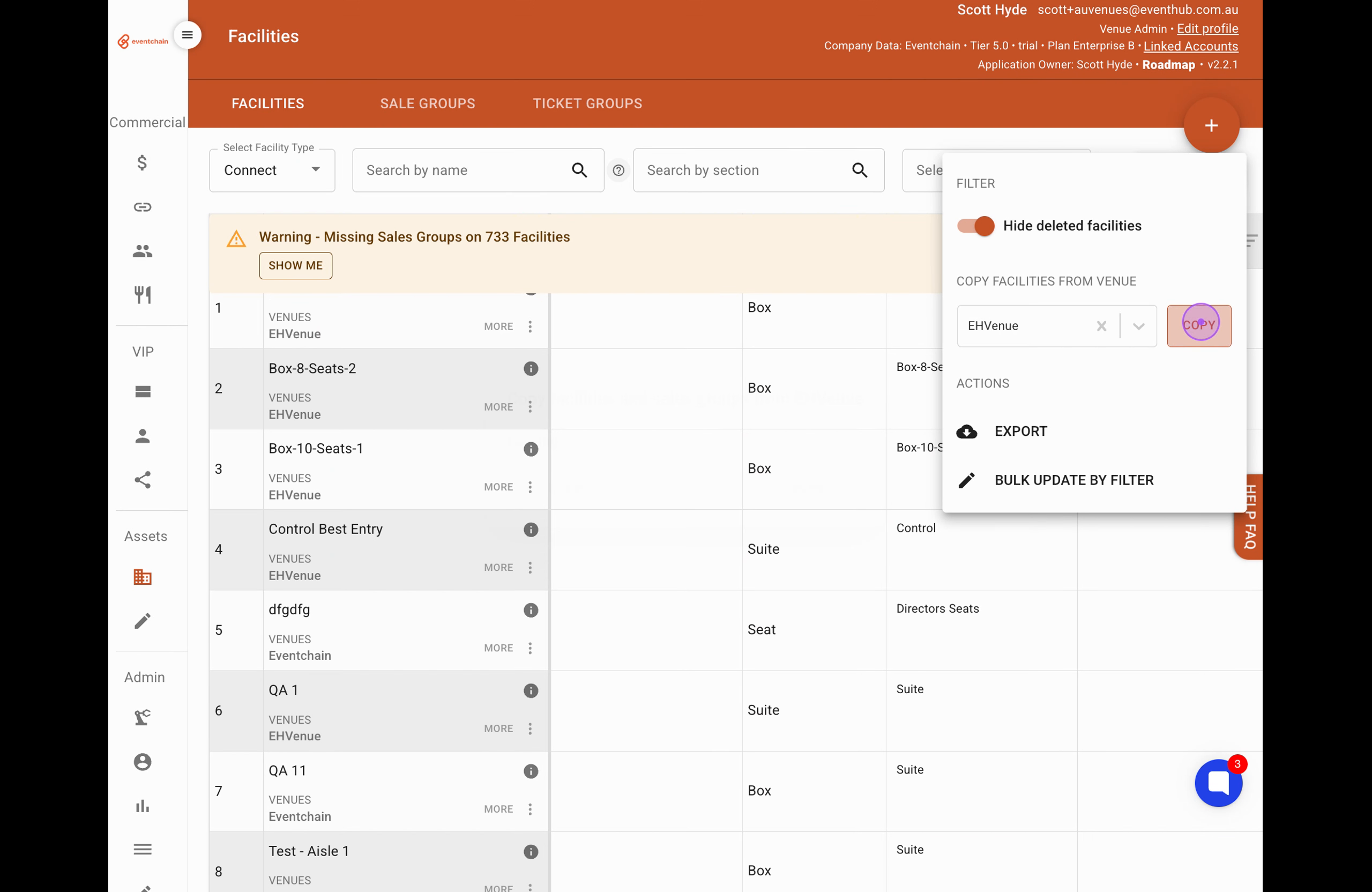
In the 'COPY FACILITIES FROM VENUE' section, click the Select venue dropdown and choose the venue you want to copy facilities from.
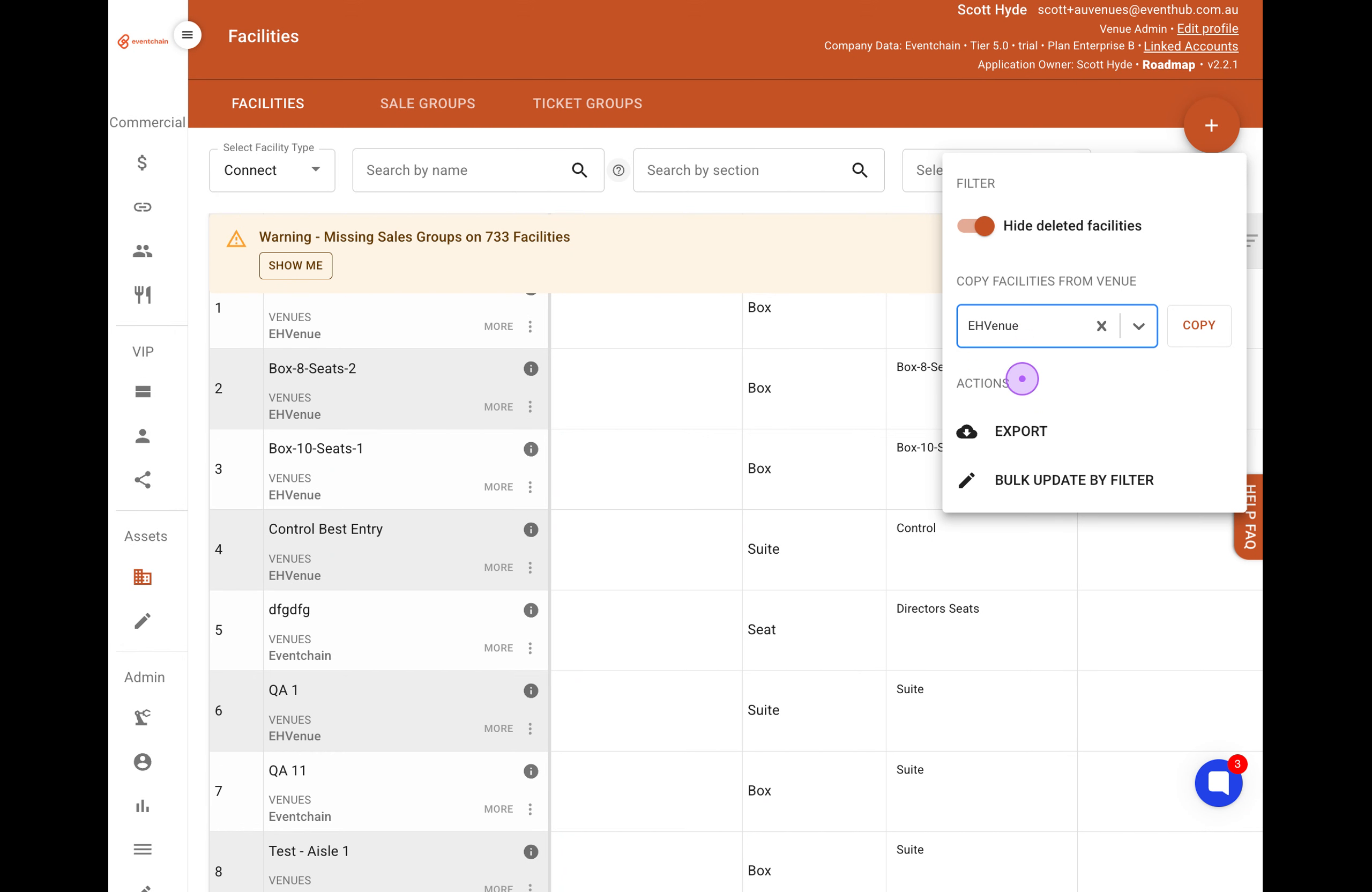
Click the COPY button next to the venue selector to initiate copying facilities and sales groups.
If prompted that there are no new facilities to copy, click UPDATE EXISTING DATA to overwrite your current facilities with the source venue's data. Once the process is finished, a confirmation message stating 'Completed copy facilities' will appear.