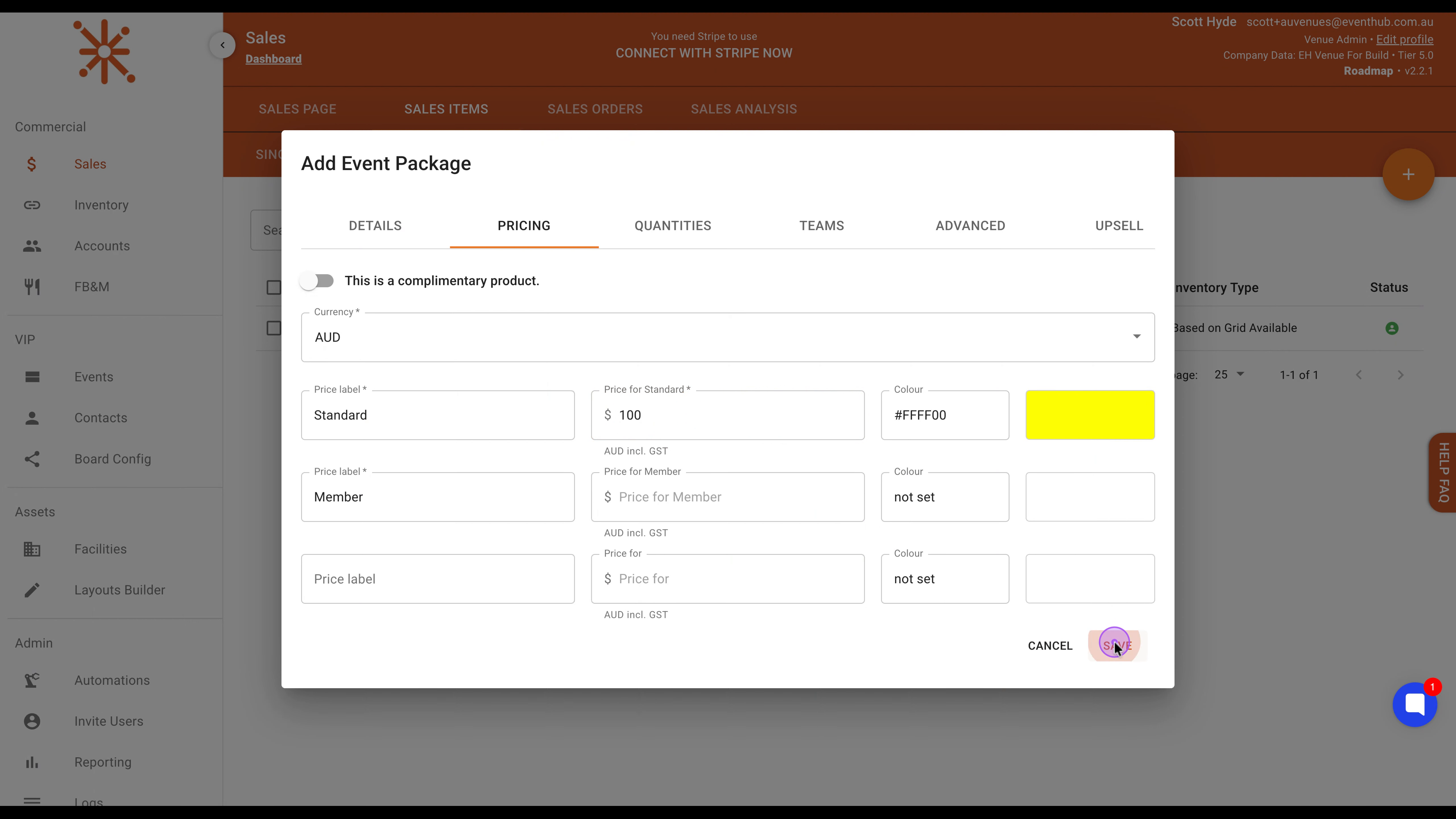
Event packages allow you to bundle multiple events together for sale. Follow these steps to create a new event package in Event Hub.
Click on Sales in the left sidebar, then click the SALES ITEMS tab, and finally click EVENT PACKAGES to access the package management area.
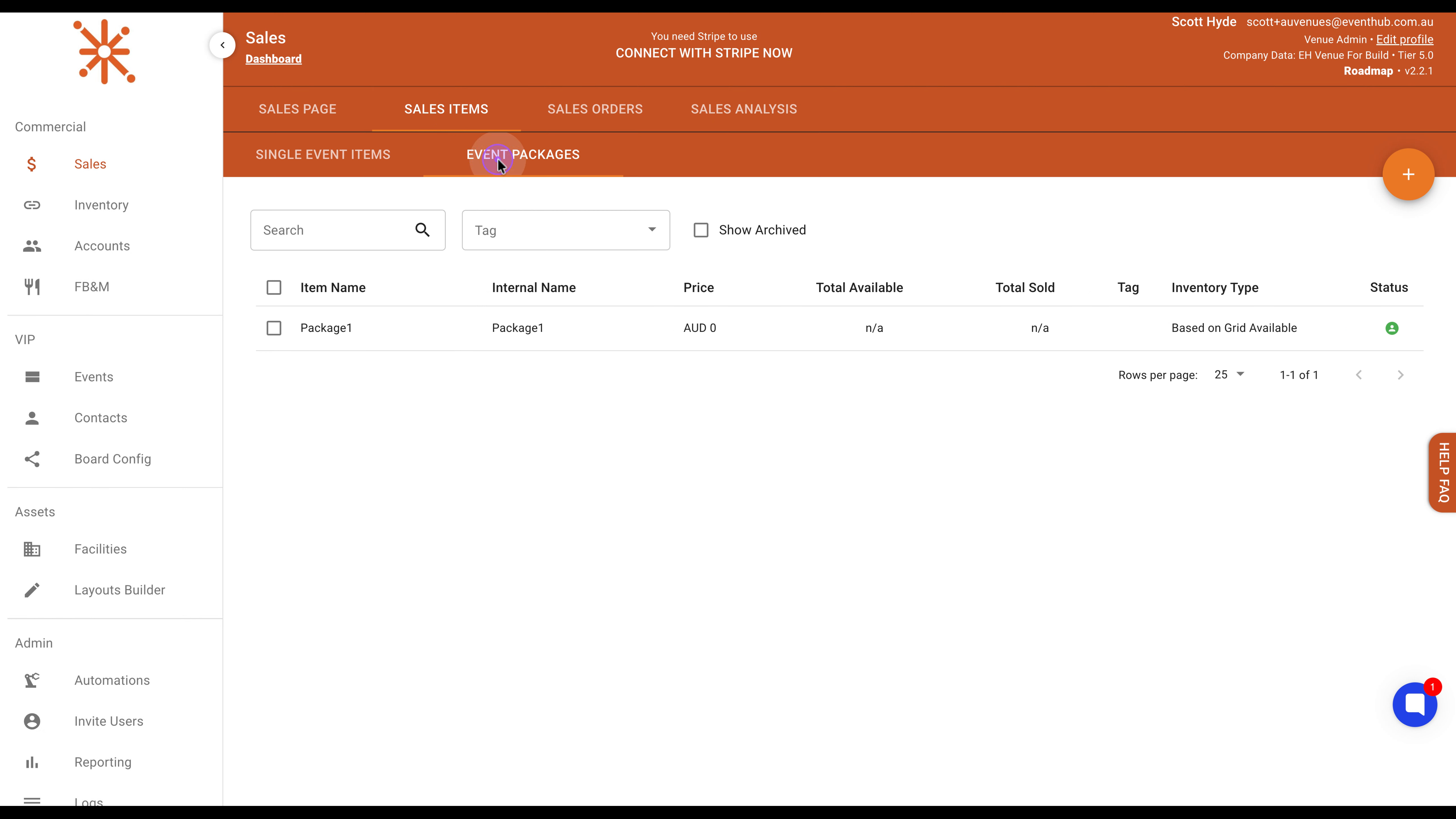
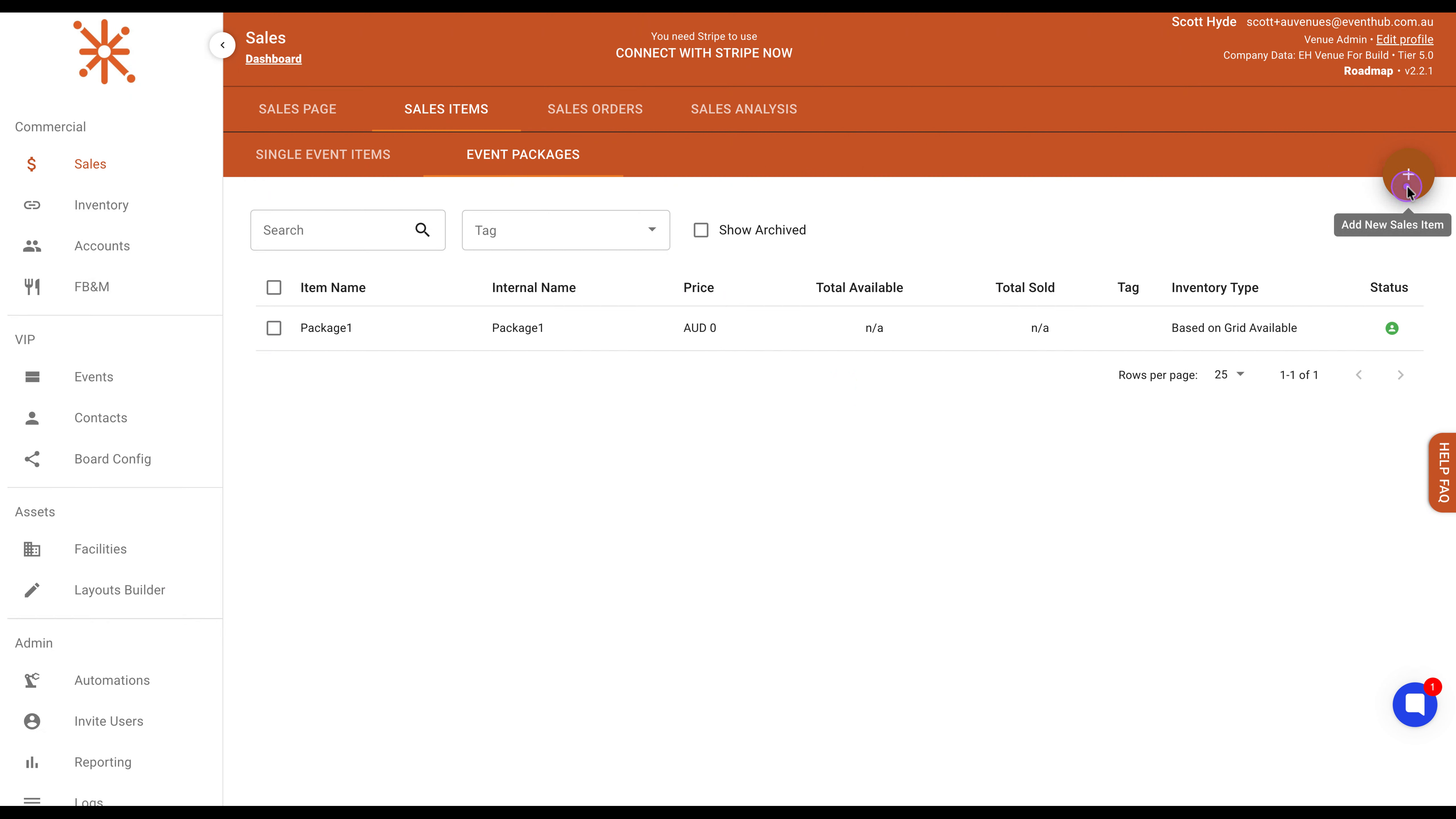
Once you're in the Event Packages section, click the orange plus (+) button in the top-right corner to open the Add Event Package modal dialog.
With the modal now open, click the Events dropdown and select TEST 1, then click the dropdown again and select TEST 2 to include both events in your package.
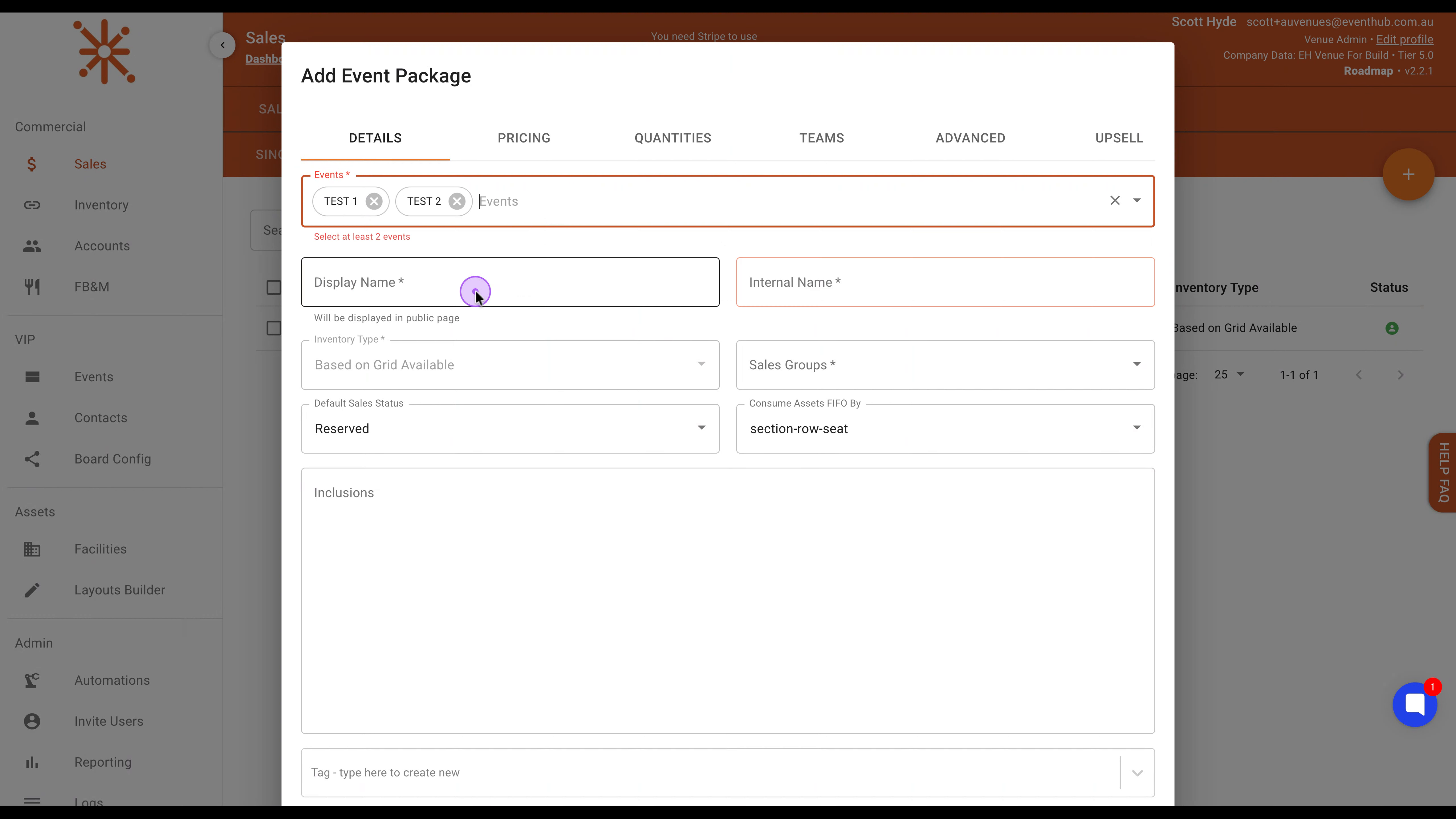
Next, configure the package identification. Type Package2 in the Display Name field (visible to customers) and Package2 in the Internal Name field (for internal reference).
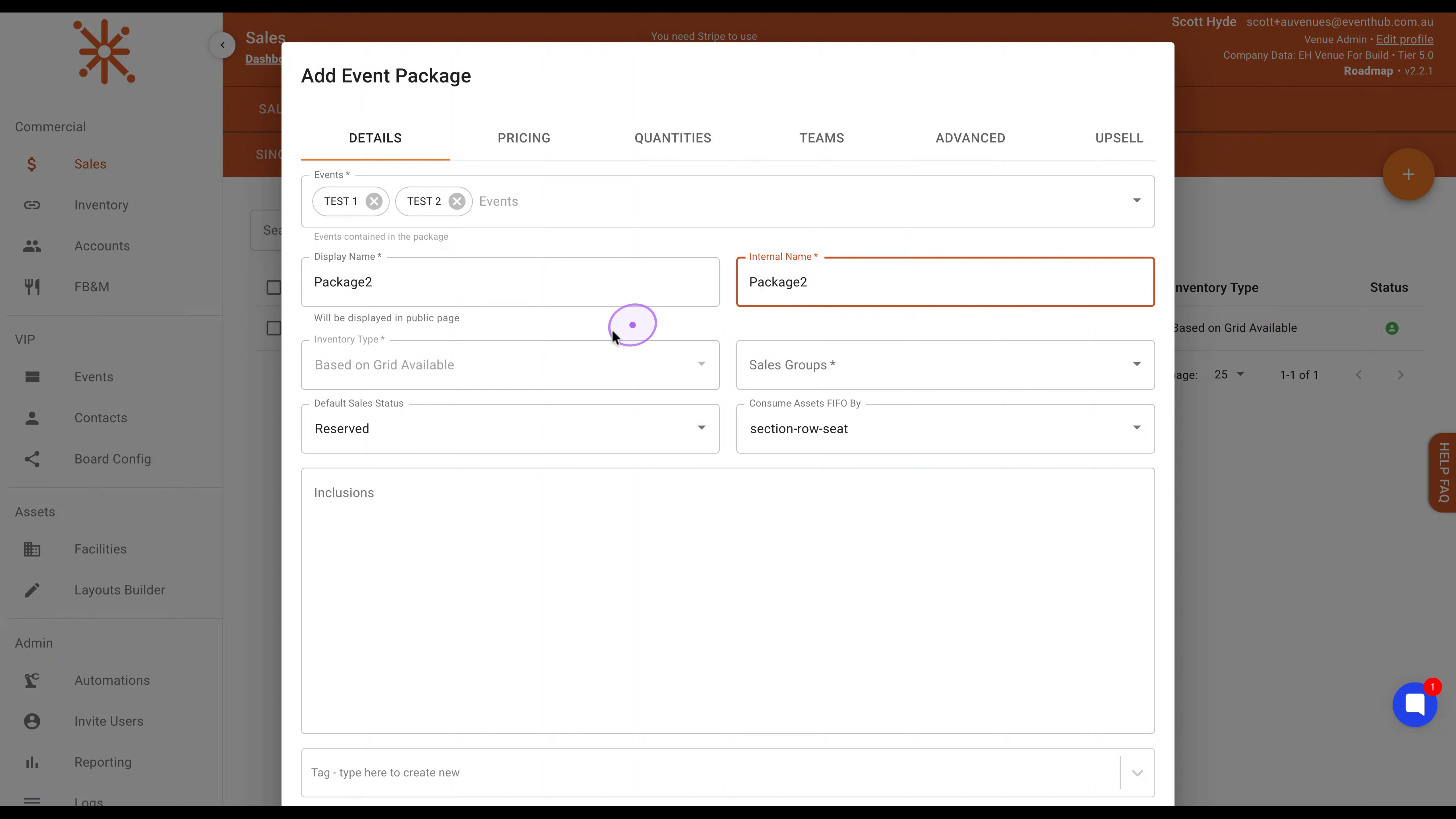
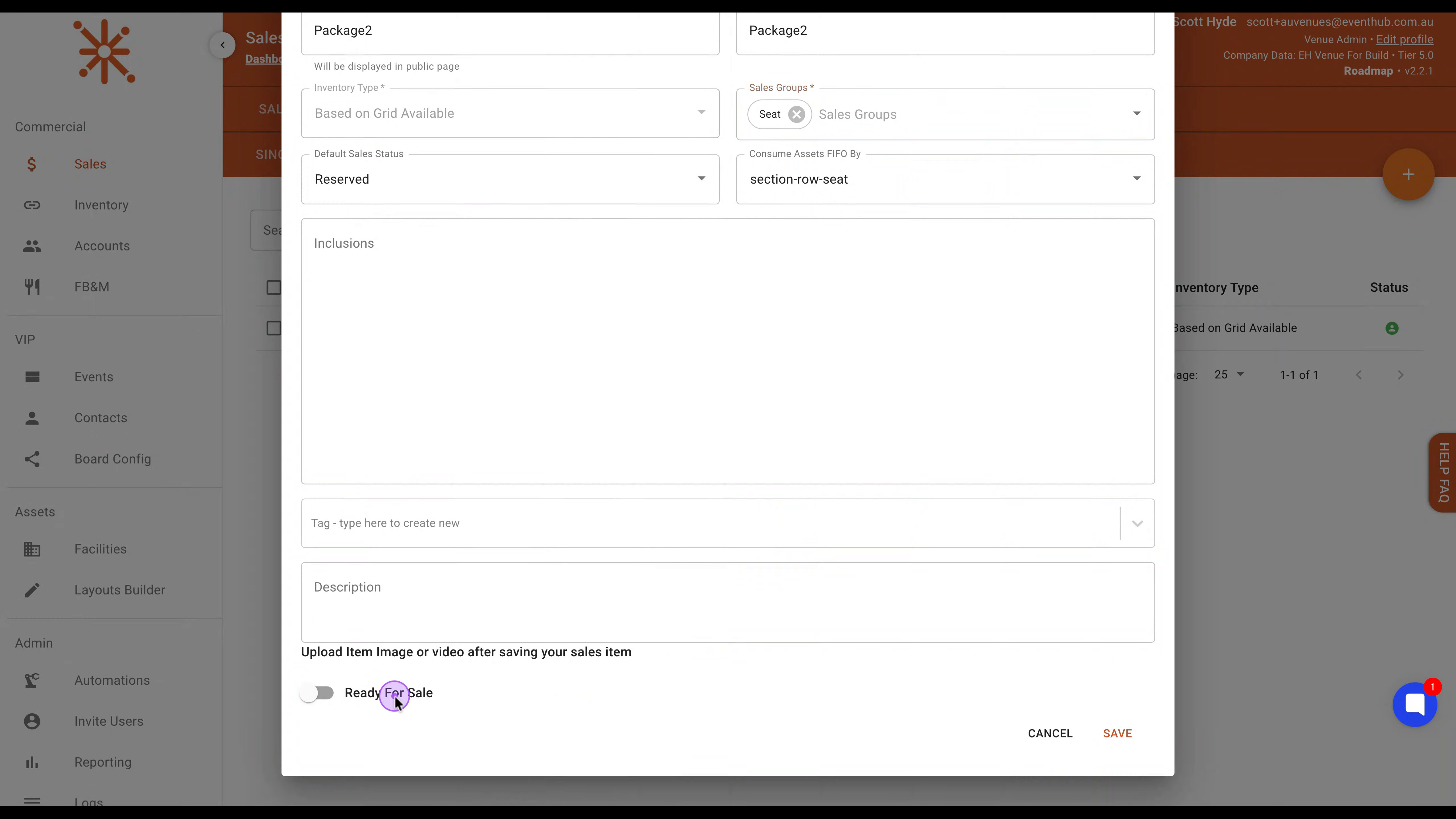
To set up how the package will be sold, select Seat from the Sales Groups dropdown, then scroll down and enable the Ready For Sale toggle to make the package available for purchase.
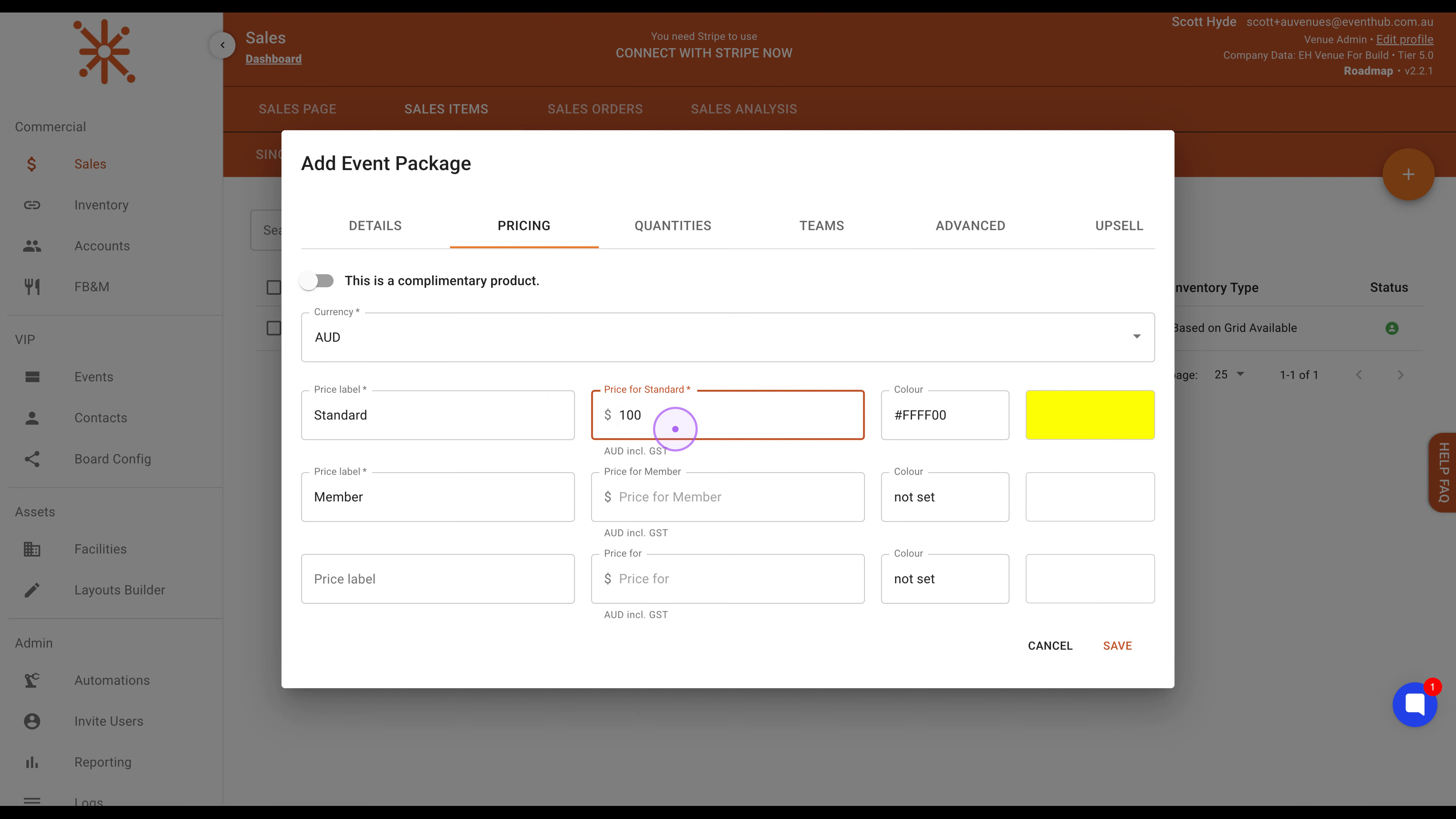
Click the Pricing tab, click into the Price for Standard field, clear the existing value, and enter 100 to set the package price to $100.
Finally, click the SAVE button at the bottom right of the modal to create the package. You will see a success message confirming Package2 was created.