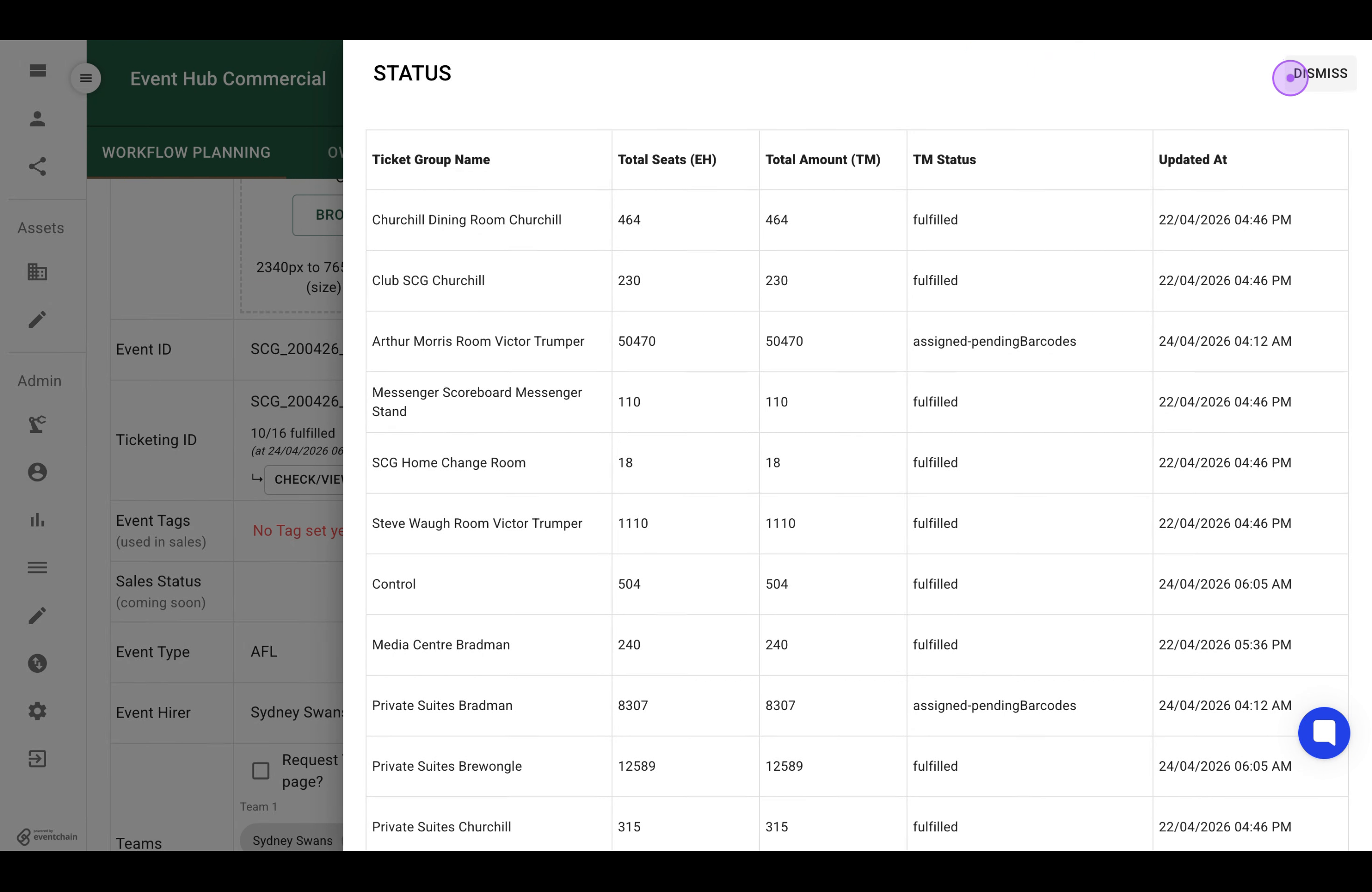
Follow these steps to configure Ticketmaster as your barcode provider and monitor the detailed ticketing status for your event.

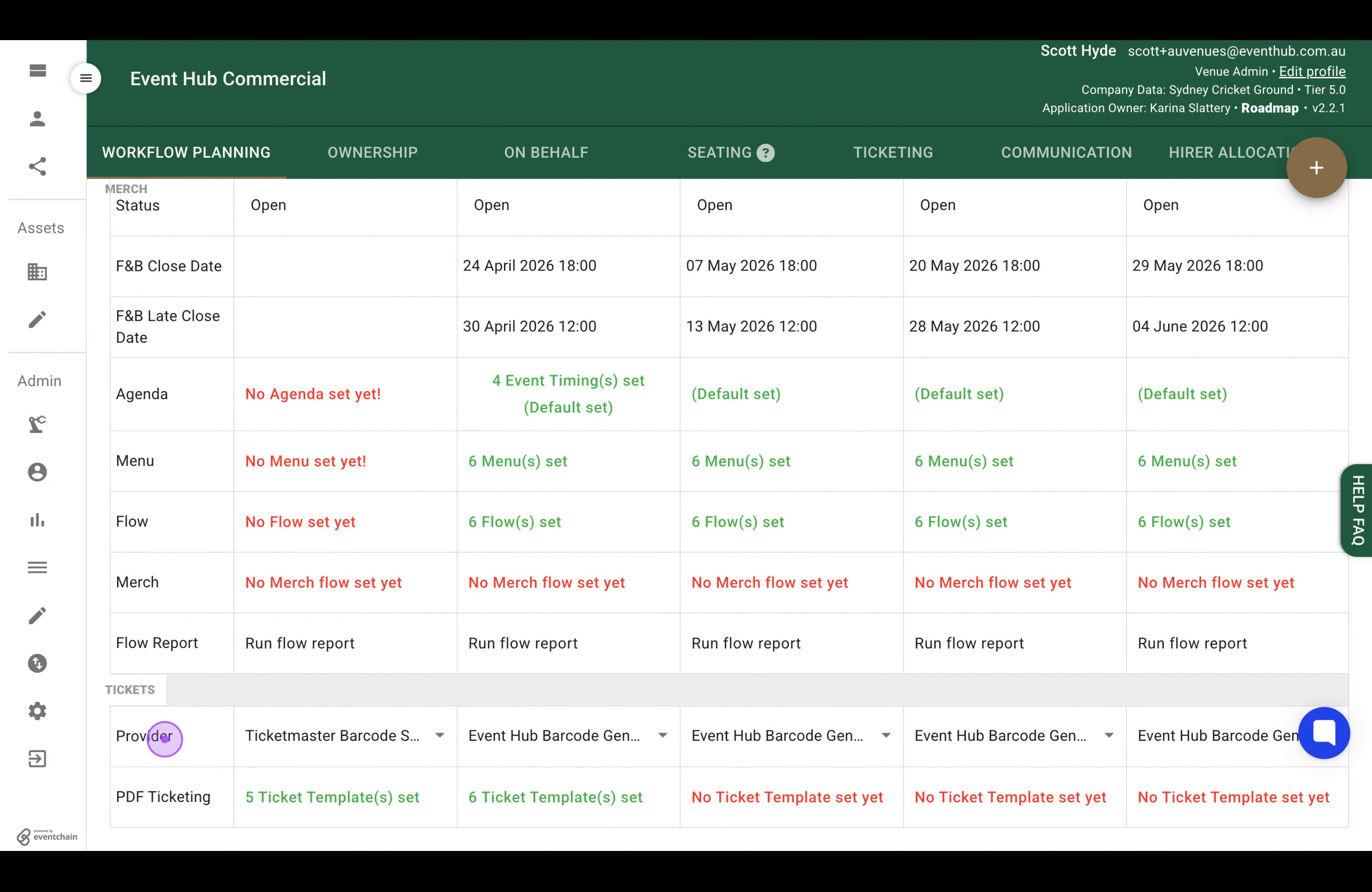
In the Tickets section of the Workflow Planning grid, click on the Provider dropdown to view available ticketing provider options.
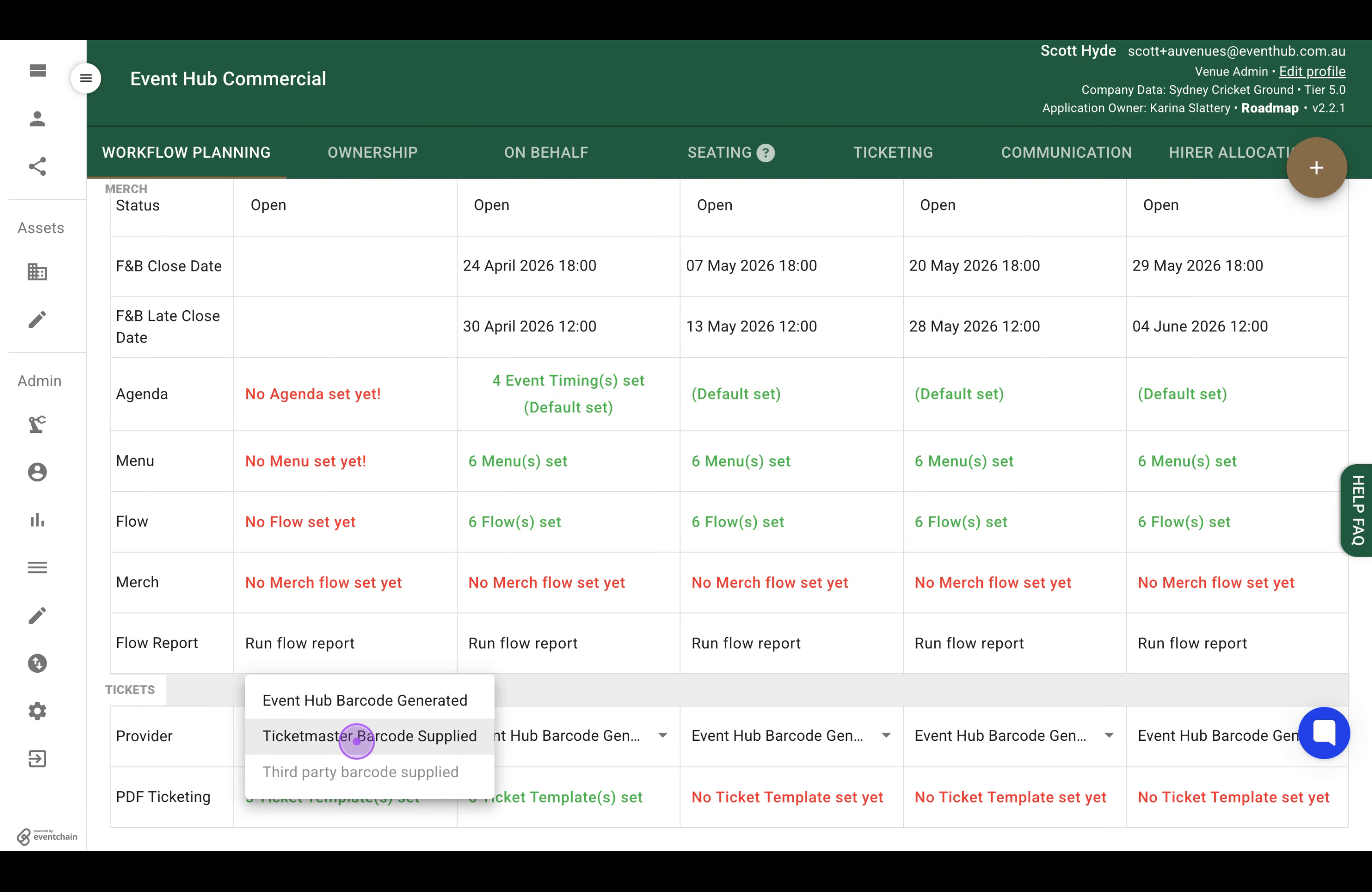
From the dropdown menu, select Ticketmaster Barcode Supplied to configure this as your ticketing provider.
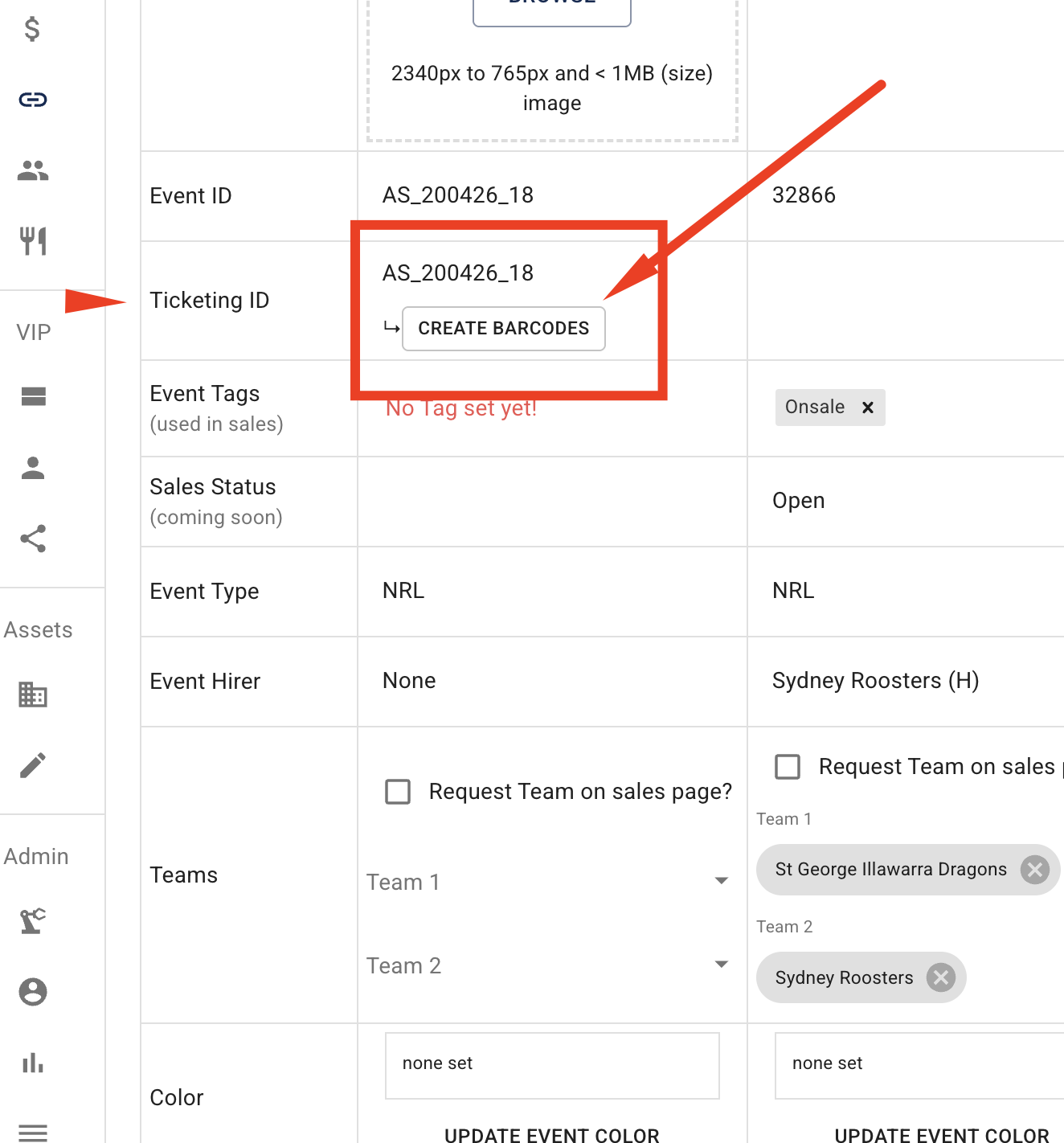
Scroll to locate the Ticketing ID row in the grid and click on it to focus on the ticketing information area.
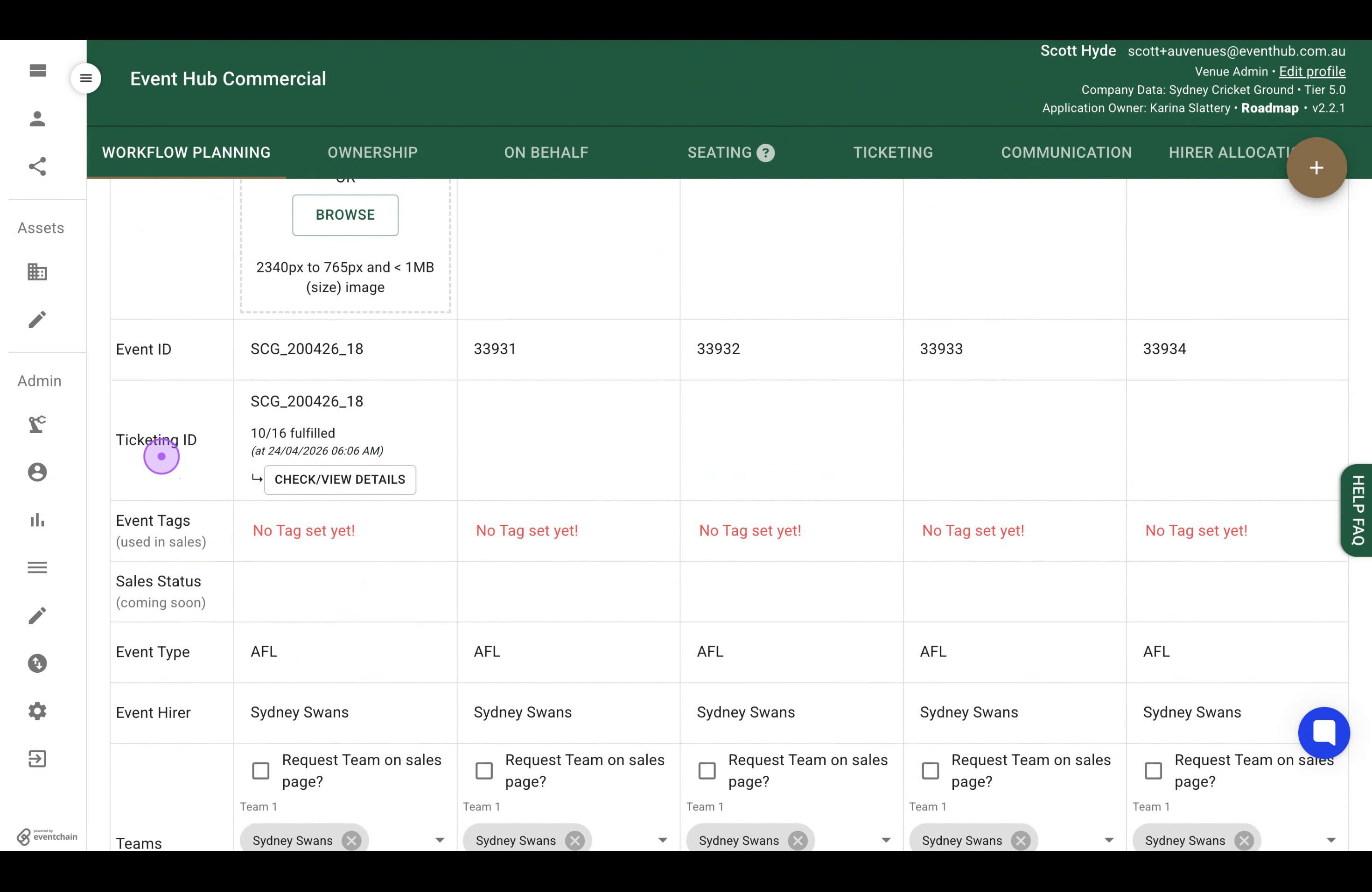
Click the CREATE button in the Ticketing ID row to open the status modal and view detailed ticket group information.
Review the ticket group status table showing fulfillment information, then click the DISMISS button to close the modal.