If your managing events in your Tier 5 VIP account and you dont see events or tickets as expected, it may be that the venue (or team) “child” account is not linked to your Parent account.
Venues and teams create accounts in order to allocate assets for ticketing and catering. These are tier 4 accounts and are accounts set up and managed by them.
If you have a tier 5 account with Eventchain - these “child” accounts need to be linked to your parent account. Once linked the events (tickets and catering) are passed to the parent.
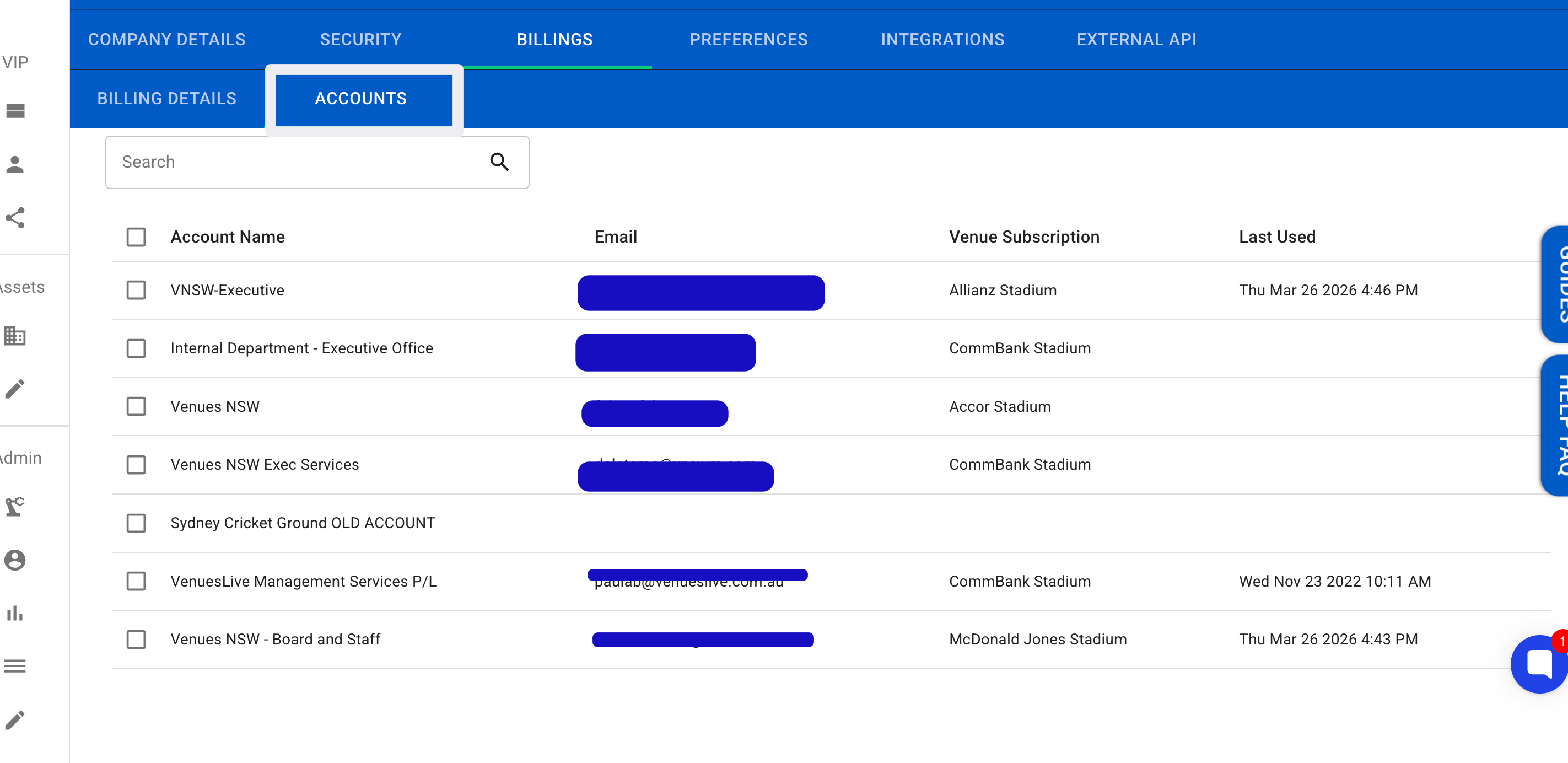
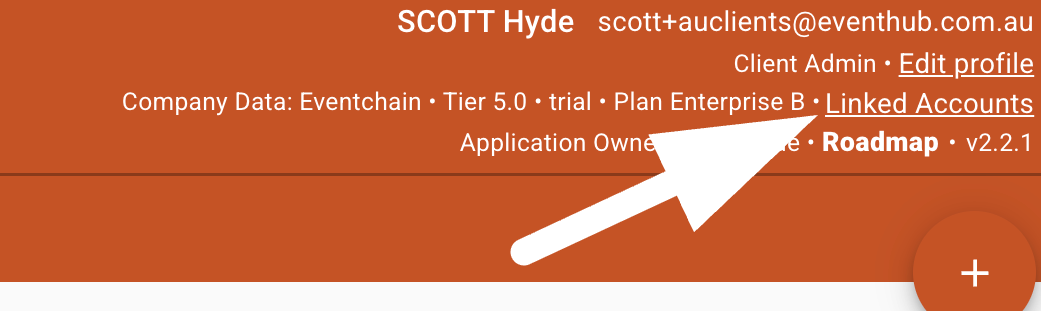
From inside your parent account you can see what child accounts you have by clicking linked accounts at the top right of the app.
once clicked you will see the accounts linked to the parent.
                                 TIP:
      sometimes the wrong accounts (older accounts) are allocated
               assets instead of the current active account.